
Even a search engine gets a birthday
On 27 September 2026 Google turned 28, and plenty of people noticed only because they went looking: "Google's birthday" was a popular search that day, and Spanish speakers typed "28º aniversario de Google". A company gets a doodle on its homepage. The people in your life deserve something more personal than that: a short film about who they are, told by the people who know them best.
That is the idea behind a birthday story video. Instead of a slideshow of random photos, you build a small narrative out of real memories, and showmylife turns it into illustrated scenes with a narration voice and subtitles. The result is something the birthday person can watch at the party, replay on their phone and keep long after the cake is gone.
Birthday video ideas for every milestone
Milestone birthdays are where a story video shines. For an 18th, tell the road from first day of school to the driving test, with a hopeful last scene about what comes next. For a 30th, friends usually have the best material: the flat share, the failed road trip, the job that finally fit. If you are hunting for 50th birthday video ideas, try one scene per decade, each ending with a line from someone who was there.
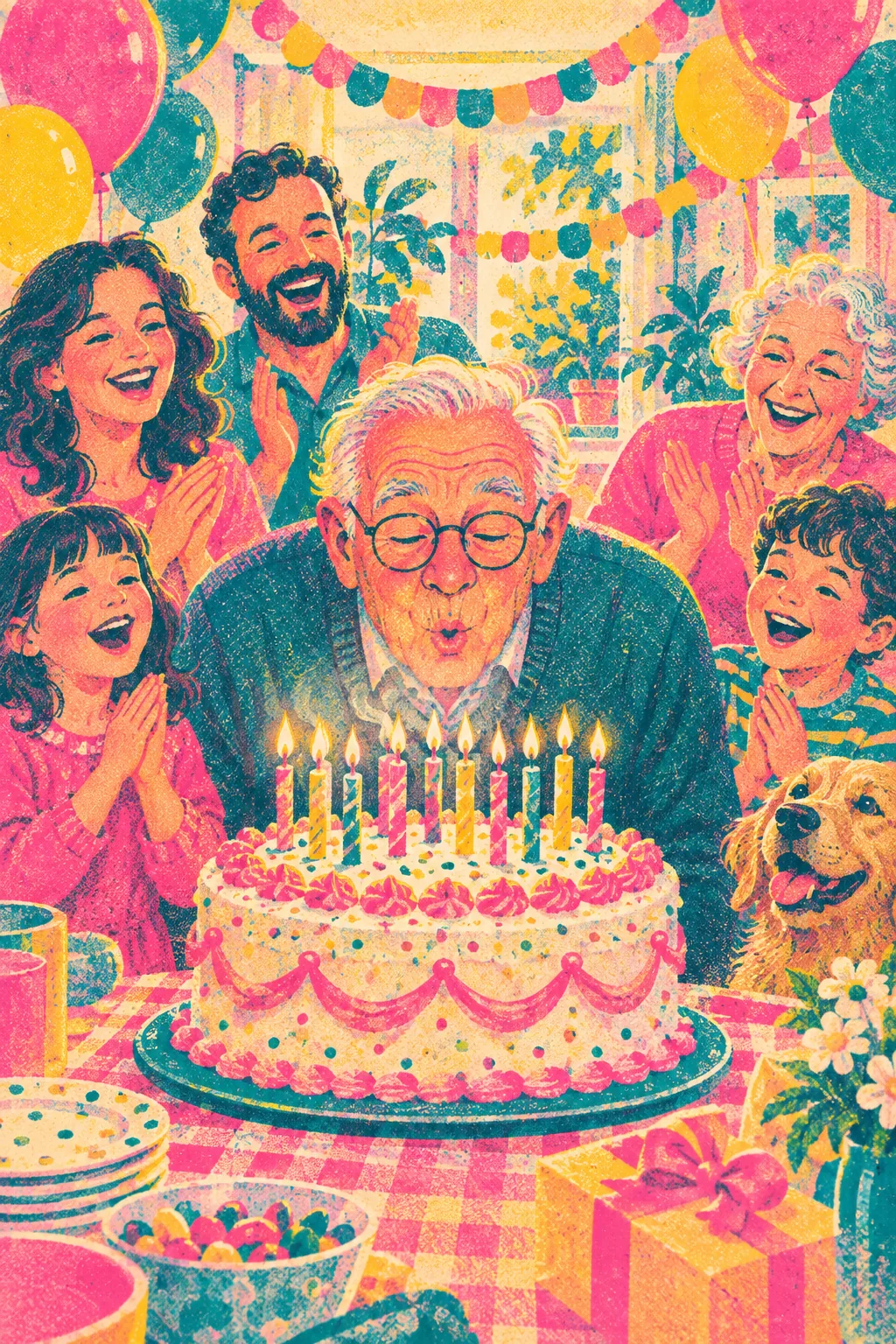
A 60th or 80th birthday calls for a gentler, this is your life video: where they grew up, how they met their partner, the house that filled with children and later grandchildren. For a 100th, keep the scenes simple and the narration slow, and let the oldest memories lead. The storybook watercolour or oil painting styles suit these long lives especially well.
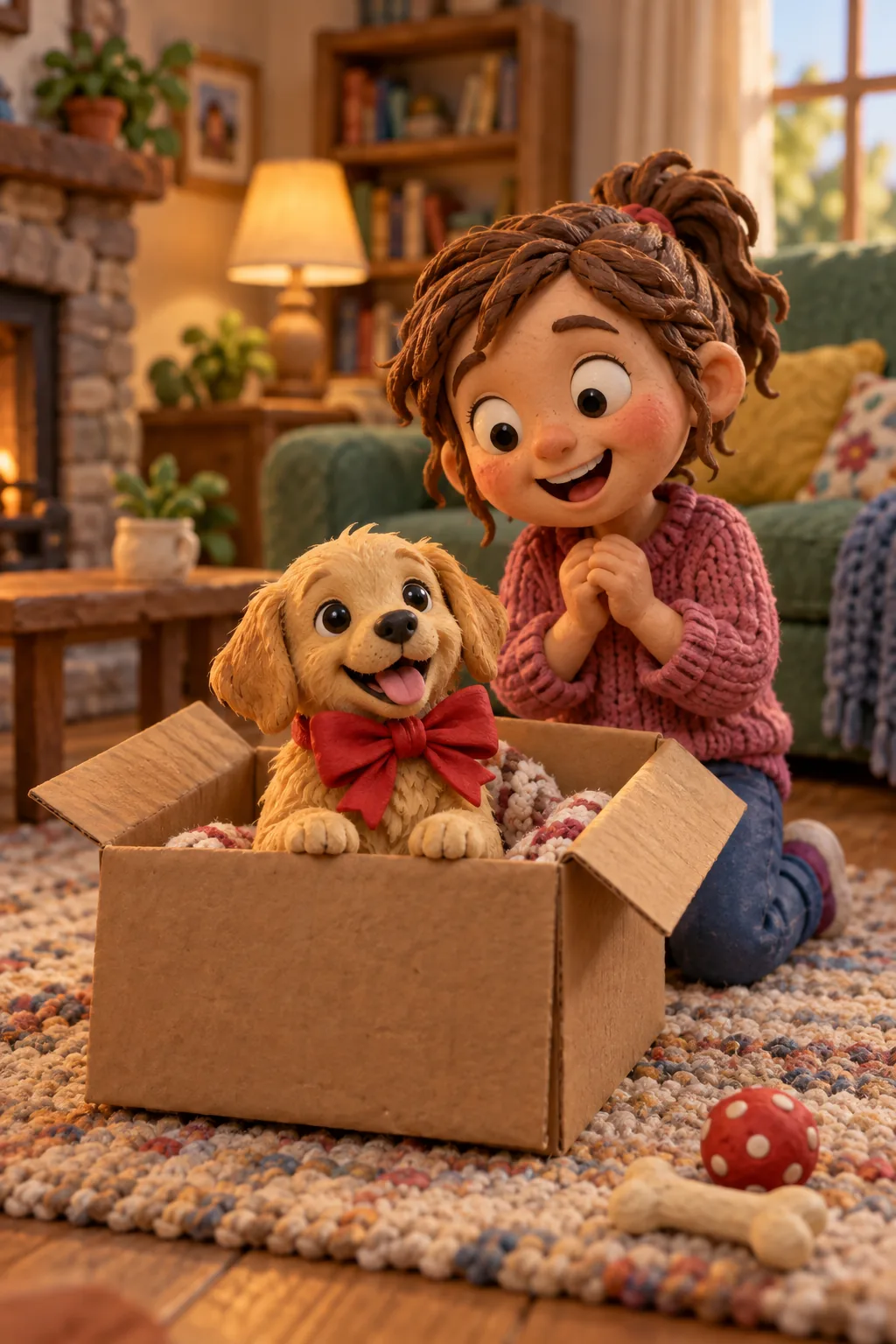
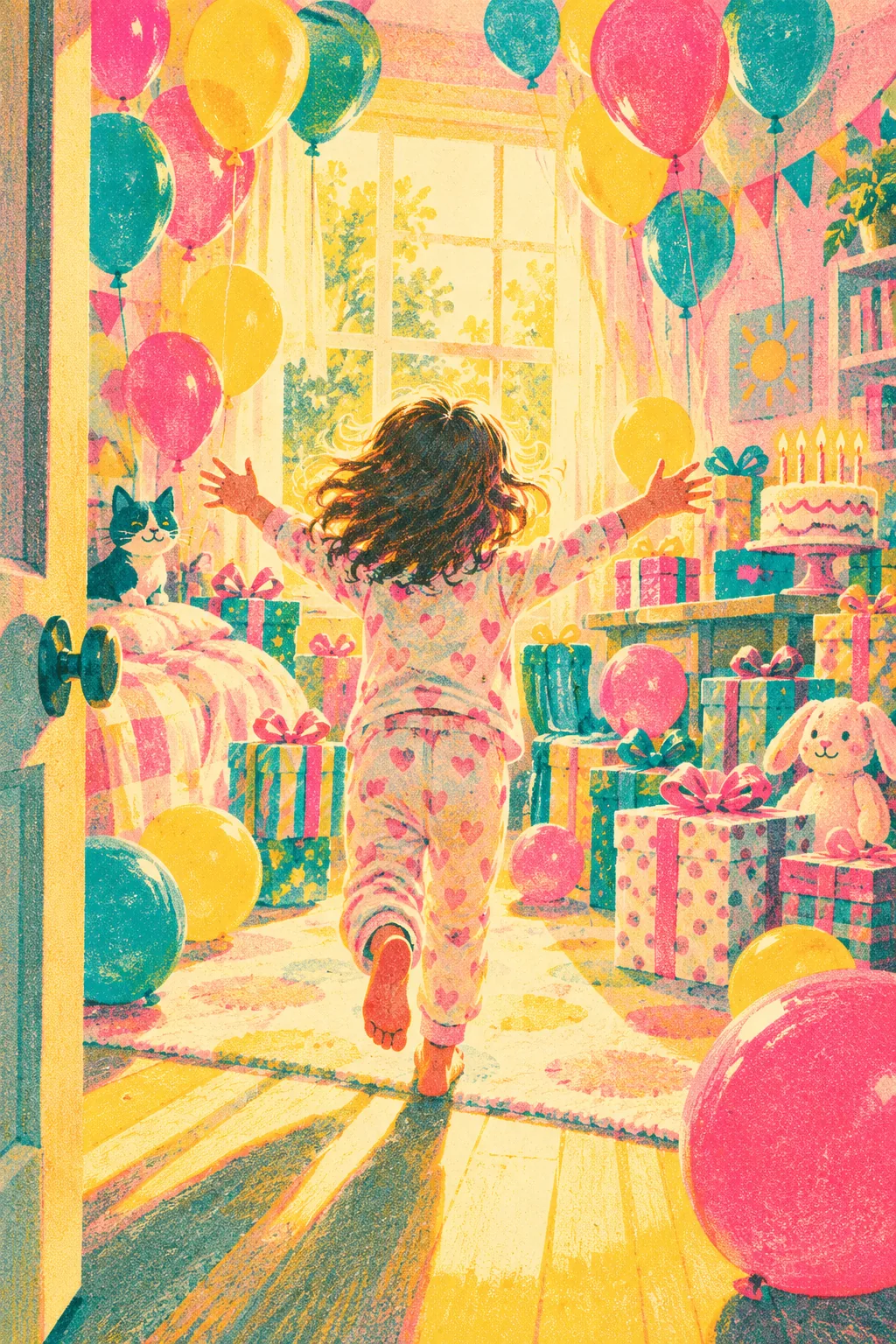
Children's birthdays work differently. Instead of looking back, make the child the hero of a short adventure: a six-year-old who rescues the neighbour's cat, or a pirate captain who finds a treasure chest full of birthday cake. Stylised 3D animation or anime styles feel playful, and a reference photo, used with a parent's permission, helps the hero look like the real child.
How to collect memories from friends and family
Start with a simple message to the group: please send me one memory of Anna, three to five sentences, with where it happened and one detail you remember clearly. Concrete details make better pictures than adjectives, so 'the blue tent that collapsed in the rain at the lake' works far better than 'she was always so fun on holidays'.
Friends abroad can join without any special tools. They write their memory in a message or email, you copy the text and paste it into the story. If they write in another language, decide whether to translate it yourself or keep it as written; the narration reads the text exactly as you enter it, and multilingual voices can read most languages.
Be careful with private details. A birthday film is often shown in front of colleagues, grandparents and children, so leave out anything the birthday person would not want on a big screen. If a memory includes another person, ask before adding their photo as a reference.
Year by year or ten things we love about you?
There are two structures that almost always work. The first is year by year: a chronological story from childhood to today, with one or two shots per stage of life. It suits milestone birthdays and older relatives, because it gives the whole life a shape and ends naturally in the present, at the party itself.
The second is a list: ten things we love about you. Each point becomes its own scene, such as the way she sings in the car, the terrible puns, the Sunday pancakes. This structure is easy to collect from many people, each person owning one item, and it works well for 30th birthdays and friends' surprises because no chronology is needed.
Dates can carry a whole scene too. Fans of Mean Girls still quote the line 'On October 3rd, he asked me what day it was', and every year people search 'what is October 3rd' just to get the joke. Your family has its own October 3rd: the day of the first meeting, the wedding, the snowstorm. Open a scene with that date and everyone in the room will know exactly what comes next.
How long should a birthday video be?
For a party screen, aim for about two to four minutes. That is long enough for eight to fifteen scenes and short enough to hold a room full of guests holding drinks. Use 16:9, choose larger subtitles so people at the back can read them, and pick a calm, warm voice that carries over background noise.
For a phone, shorter is better: thirty seconds to a minute, five to eight shots, exported in 9:16 so it fills the screen in a chat or Status. You can make both from the same project by trimming the story for the short version. Remember that every new picture costs 1 credit, so planning the number of shots also keeps the cost predictable.
Start a week before the birthday
The most common mistake is starting the night before. Give yourself about a week: two or three days to collect memories, one evening to write the story and review the storyboard, and one more to regenerate any picture that does not feel right, adjust subtitles and listen through the narration.
On the day itself, send the 9:16 version in the morning so it is the first thing the birthday person sees, and keep the 16:9 file ready on a USB stick or laptop for the party. If the film becomes a family favourite, it can grow into something larger later, such as a full life story for a grandparent or a memory film for an anniversary.