Which pet stories make the best videos?
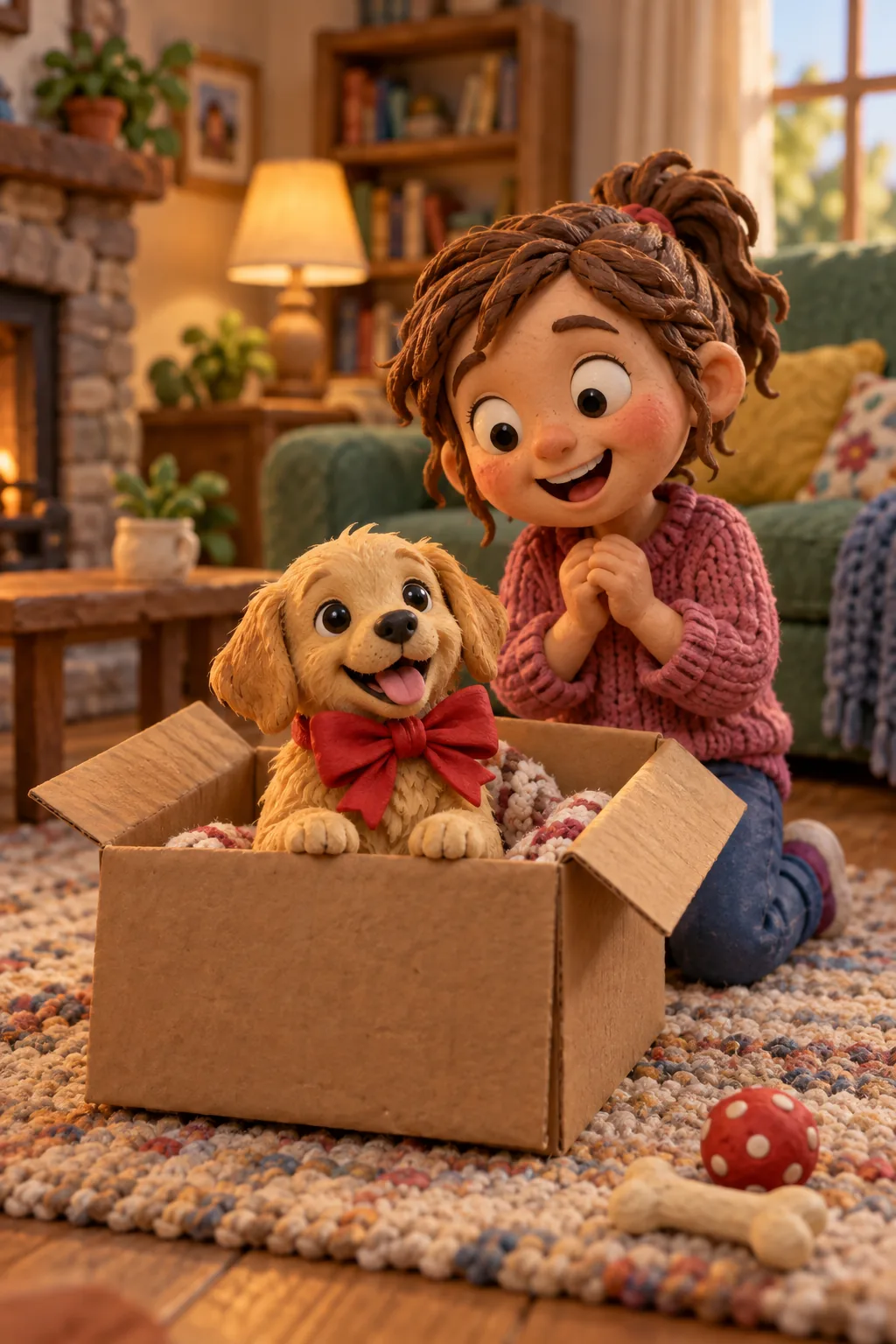
The best pet films are not a list of cute facts. They have a small arc: life before, a turning point, and what changed. A new puppy arriving in a cardboard box, a rescue dog learning that the house is safe, a cat slowly deciding that the new baby is acceptable. Each of these has a beginning, a middle and a quiet ending, which is exactly what makes a short narrated film work.
If you have just brought home a puppy, a first-year film is the obvious choice: start writing now, while the small moments are fresh, and add a paragraph every month. For a rescue, the adoption story is usually the strongest, because the change is so visible. For a cat, lean into personality. A cat story video about one ridiculous habit can be more memorable than a full biography.
Keep it short. Most pet films land well at eight to fifteen shots, roughly one to two minutes of narration. That is long enough for a story and short enough that relatives actually watch to the end. If there is more to tell, make a short series instead: one film for the first month, another for the first birthday.
How do you write a story from your pet's point of view?
Writing as your pet is the most fun approach and often the most touching. Use the first person and give your dog or cat a consistent attitude. A puppy might be wildly enthusiastic about everything: "The box smelled like cardboard and the girl smelled like toast. I decided to stay." A cat is more likely to be unimpressed: "The humans call it my bed. I call it a temporary arrangement."
Let the pet notice what pets notice: smells, sounds, the rustle of the treat bag, the exact moment shoes go on. Avoid explaining human things too well, because the gentle misunderstanding is where the humour lives. A rescue dog might describe the shelter as "the loud place" and their new garden as "my field".
If the pet's voice feels too playful for your story, write from your own point of view instead. An owner's perspective suits reflective films, such as an older dog's life story, and it is usually the better choice for a goodbye. You can also mix: an owner's opening and closing, with the middle told by the pet.
Picking milestones: gotcha day, first walk, first snow and the stolen sofa
Every shot in the film should carry one moment, so choose milestones that are easy to picture. Gotcha day is the natural opening: the car ride, the first sniff of the hallway, the bed they ignored in favour of your shoes. The first walk works well as a second scene, especially if something went gloriously wrong.
Seasonal firsts are great for a puppy first year video because they show time passing: first snow, first summer at the lake, the first autumn leaves to chase, the first birthday cake made of mashed banana. Then add the character moments that only your family would know, such as the day the sofa quietly became theirs, the sock they still carry around or the neighbour's cat they respect.
Write one or two sentences per milestone, in order. showmylife splits your text into shots, so a clear sequence gives you a clear storyboard. If a moment does not move the story forward, leave it for a second film. A useful test is to read each sentence aloud and ask whether you can picture it as a single drawing.
How do you keep your dog or cat recognisable in every picture?
Pets are surprisingly hard to draw accurately: one golden retriever looks much like another, and a tabby cat is only your tabby because of the white sock on one paw. Add a clear reference photo of your pet, ideally in good daylight with the face and markings visible. Only use photos you took yourself or have permission to use.
In the text, mention the details that matter most: a grey muzzle, one floppy ear, a red collar, a scruffy coat. Before pictures are drawn, showmylife lists the characters, places and objects so you can review how they look. This is the moment to fix the colour of the collar or the shape of the ears, because the pet is then kept consistent across every picture.
If a single image still misses, regenerate it or upload your own picture for that shot. A film where the dog looks right in every scene feels personal in a way stock clips never do. Seeing your own dog's crooked ear or your cat's white paw on screen is often the moment the whole family starts smiling.
Choosing a voice and style: playful puppy or calm old friend
The narration voice sets the mood more than anything else. For a puppy told from its own point of view, a bright, quick voice works well. For a cat, a slightly dry, measured voice makes the jokes land. For an older dog's life story or a memorial, choose a calm, warm voice and leave short sentences so it never feels rushed. showmylife offers 21 voices, and the text is read exactly as you wrote it.
Match the illustration style to the tone. Storybook watercolour suits most pet films and is especially gentle for memorials. Stylised 3D animation gives a playful, toy-like feel for a puppy film, and pencil sketch with watercolour wash feels like a keepsake album. Anime and oil painting are worth trying for a cat with a dramatic personality.
Subtitles matter more than people expect, because many pet films are watched on a phone with the sound off. Pick a readable size and apply it to all shots. A light text on a soft dark background reads well over bright scenes such as snow or a sunny beach, and you can still adjust any single shot that needs it.
Making a gentle pet memorial video
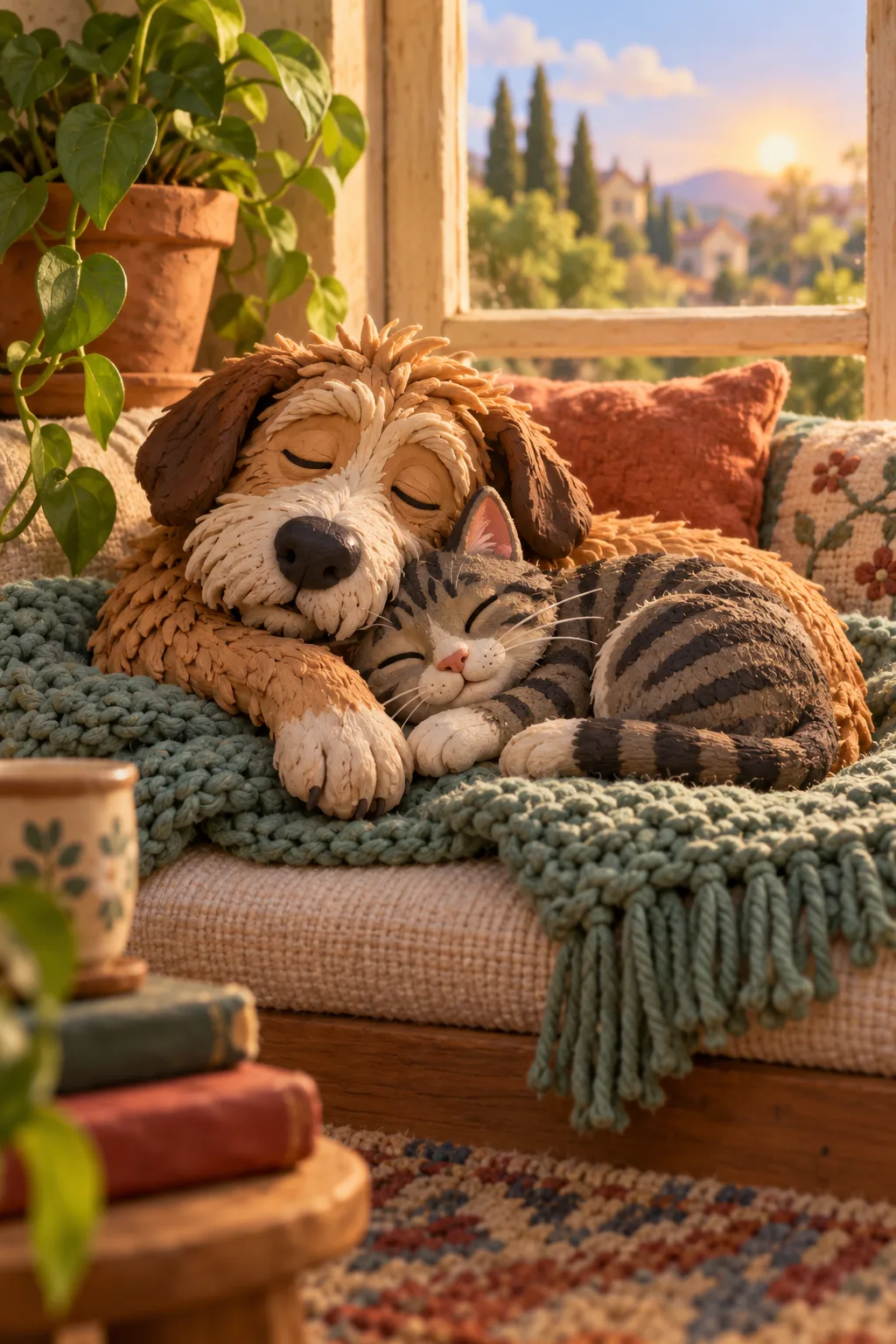
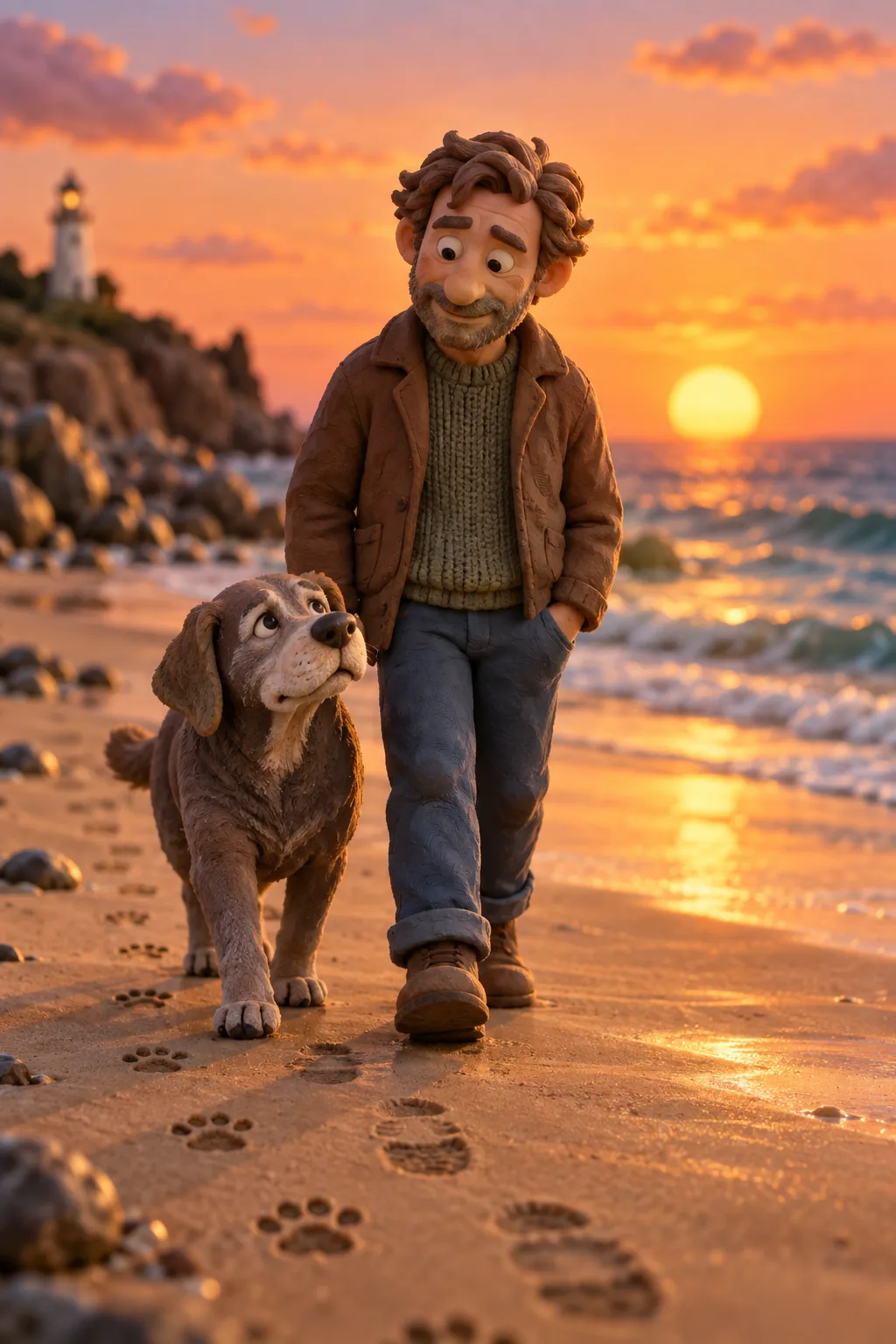
When it is time to say goodbye, a pet memorial video can be a quiet way to hold on to the good years. You do not need to describe the end. Many owners focus on the life instead: the first day, the favourite walk, the spot by the radiator, the way they waited at the door. A final scene of an old dog on a beach at sunset, or an empty window seat in the afternoon light, says enough.
Write slowly and in your own voice, and let the narration pause between memories. Children can contribute a sentence or a favourite moment, which often helps them as well. There is no right length; some families make a one-minute film, others a longer one they watch once a year on the pet's birthday.
Take your time. Everything stays editable before export, so you can write a draft, step away and come back when you are ready. If the story feels too heavy to write in one sitting, start with the happiest memory and build the rest of the film around it. There is no deadline, and nothing is shared until you choose to export and send it.
Sharing with family, your vet clinic or a shelter fundraiser
Choose the format for where the film will be watched. Vertical 9:16 is best for phones, Status updates and Reels. Square 1:1 suits family group chats and most feeds, and 16:9 works on a TV at a family gathering, much like a birthday video for a grandparent. If you are unsure, export one version for phones and another for the TV.
Many owners like to send a short thank-you film to the vet clinic or groomer who looked after their pet, or to the foster family that cared for a rescue dog before adoption. Shelters and rescue groups may welcome adoption stories for a fundraiser or an open day, but always ask them first and respect their rules on photos and names. Keep private details, such as your home address, out of the narration.