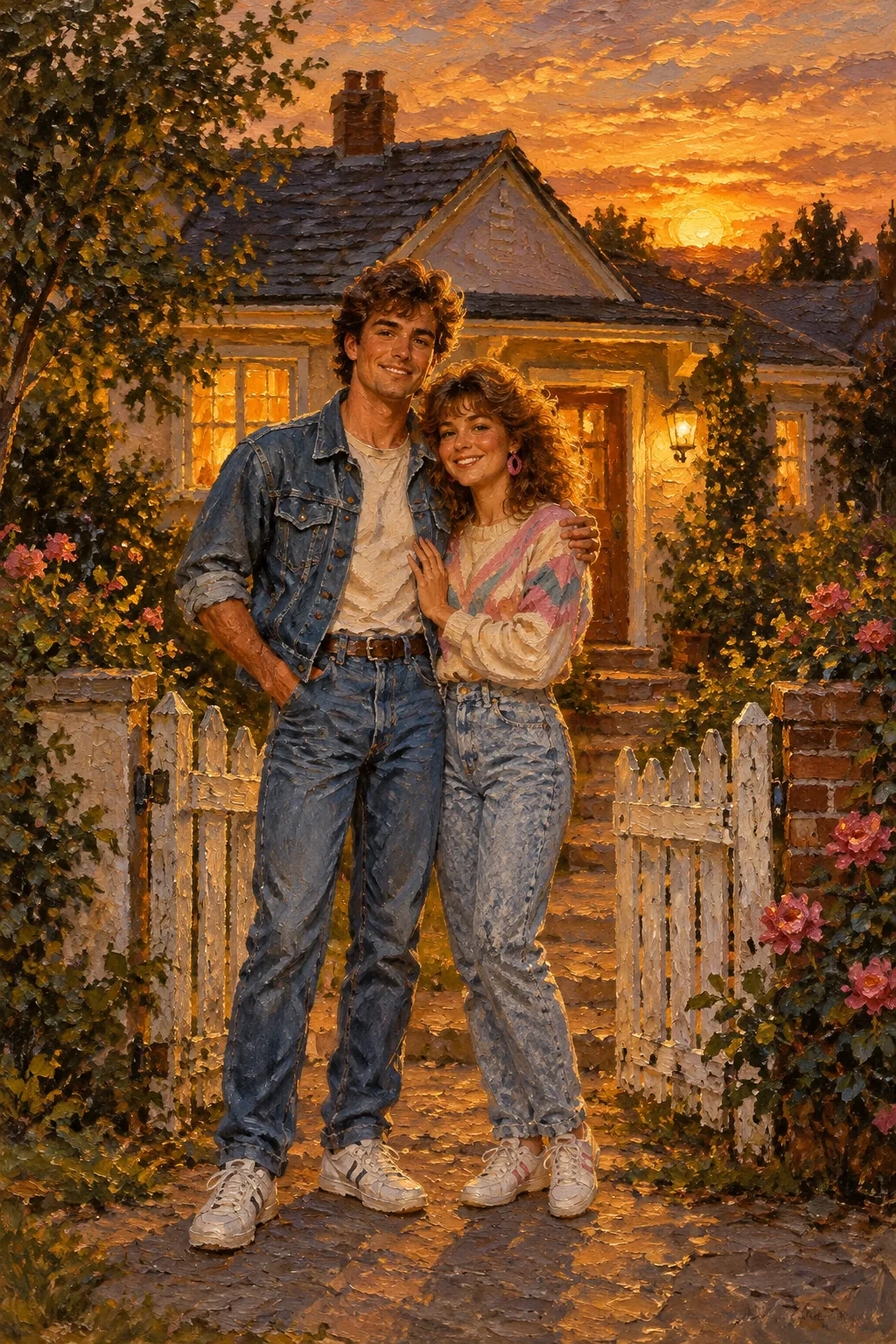
Why turn family history into a film instead of another binder?
Many families already have the raw material for a family history video. There is a binder of pedigree charts, a folder of scanned certificates, a few typed pages an aunt wrote years ago, and a dozen stories that only come out when everyone is at the same table. The trouble is that binders rarely get opened. A short illustrated film is something people actually sit down and watch together, and it keeps the voice and the order of a story in a way a chart cannot.
A film also changes what you collect. Genealogy research is good at names, dates and places; a genealogy story video asks for the scene behind them. Not only that a great-grandfather emigrated in 1923, but that he carried one suitcase and a jar of seeds, and that the ship docked in the rain. Those details are what showmylife turns into pictures, and they are what the grandchildren will remember long after the dates have blurred.
When families gather: reunions, holidays and General Conference weekend
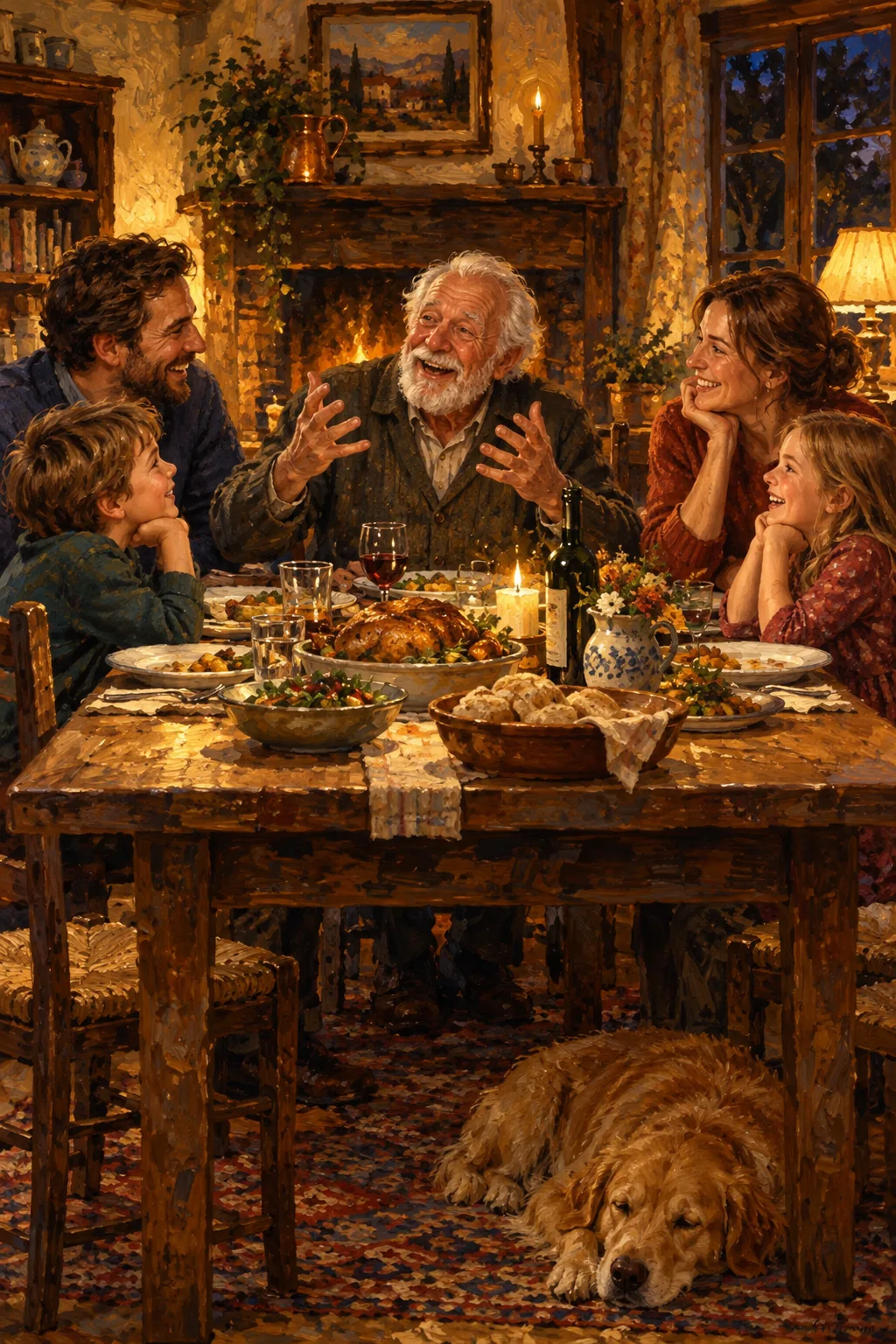
The best time to gather family stories is when the family is already gathered. Summer reunions, Thanksgiving, a milestone birthday or the long lunch after a funeral all bring together relatives who rarely share a room. Bring a notebook or a phone recorder, and ask one or two people beforehand whether they would be willing to tell a particular story. A question they have had time to think about gets a much richer answer than a surprise.
For many Latter-day Saint families, family history is part of everyday life, and the General Conference weekends each April and October are often a time when several generations sit down together. If your family watched General Conference 2026 together this weekend, the meals and breaks in between are a natural moment to ask an older relative about their parents, the town they grew up in or how the family came to be where it is. The same approach works in any tradition: what matters is the shared time, not the particular occasion.
Once a story is written down and finished as a film, show it at the next gathering. Playing a three-minute family story video before dinner almost always prompts someone to say that is not quite how it happened, and that correction is often the start of the next film.
How to interview relatives for a family story video
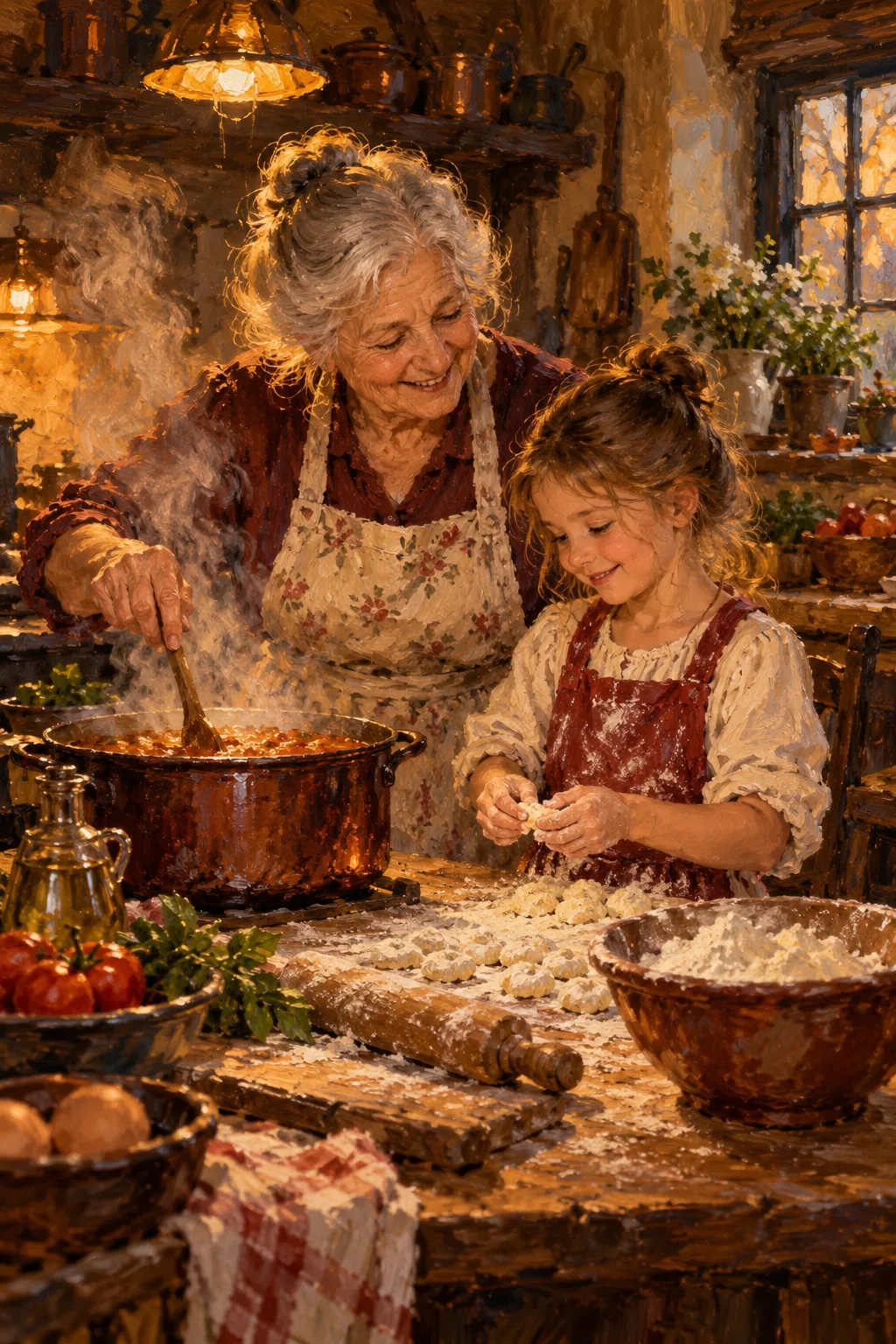
Start with a concrete place rather than a big question. Instead of asking your grandmother about her life, ask her to describe the kitchen in the house where she grew up: who sat where, what was cooking, what the window looked out on. Concrete prompts produce scenes, and scenes are exactly what a storyboard needs. Follow up with what happened next and how did that feel, and let silences run a little longer than is comfortable.
Write their words down as closely as you can, including the phrases that make them sound like themselves; you can tidy the grammar later. A useful snippet might read: In 1958 we moved into two rooms above the bakery. Every morning at four the ovens woke us before the alarm did, and my mother said we were the only family in town who never had to buy bread. That short passage already holds three or four shots.
Ask permission before you record and explain what the story is for. Some memories are private or painful; offer to leave them out, or to make a version only for close family. If you are interviewing someone whose memory is fading, keep sessions short, write down what you get, and come back another day rather than pressing.
Turning a written memoir in a PDF into a film
Plenty of families already have a written memoir: a grandfather's typed recollections, a self-published family book, or a history someone compiled for a reunion. Often it lives as a PDF in an email attachment. showmylife works from text and has no file import, so the first step is getting the words out of the document. If you can select the text in the PDF, copy it directly. If it copies with broken lines or not at all, convert it to an editable document first with a PDF tool such as iLovePDF or the converter in your word processor, then copy from there.
Do not paste an entire 80-page memoir into one film. Pick a chapter that stands on its own, such as the wedding, the move west or the first family business, and paste only that. Read through the pasted text once to remove page numbers, running headers and footnote marks, because the narration reads the text exactly as written. A scanned memoir that is only images will need text recognition first, and that step is worth checking carefully for misread names and dates.
A long memoir naturally becomes a series. One film per chapter is easier to watch, easier to share in a family group chat, and lets different relatives add the parts they know best.
How to tell a multi-generation story without losing the viewer
Stories that span three or four generations are the most valuable and the easiest to make confusing. Give the viewer one guide, often a narrator speaking in the first person: a granddaughter saying my great-grandmother, then my grandmother, then my mother. Introduce each new person with one clear detail, such as her red bicycle or his railway uniform, so the viewer can keep track of who is who as the decades pass.
Before any picture is drawn, showmylife lists the characters, places and objects it found in your story. This is the moment to check that the same woman at twenty and at seventy is described consistently, and to add an age or an era where it matters. If you have permission to use old family photographs, adding one as a reference picture can help a character resemble the real person.
As a rough guide, a single-generation episode works well with 8 to 15 shots, while a story that crosses a century may need 20 or more, or work better as two films. Each new picture costs one credit, so planning the number of shots also keeps the project within budget.
Choosing a style, voice and format for a family history video
Storybook watercolour, the default style, suits most family memoir films because it feels warm without pretending to be archive footage. Pencil sketch with watercolour wash works beautifully for older eras and reads like an illustrated diary. Oil painting gives a portrait-gallery feel to a formal family chronicle, and cinematic film still suits dramatic chapters such as an emigration or a wartime separation. Keep one style for the whole film so the generations look as if they belong together.
Pick a narration voice that fits the person telling the story. The text is read exactly as written, with no translation, so a memoir written in Spanish or Italian should use a multilingual voice. Subtitles help older relatives and anyone watching on a muted phone. Export 16:9 for a television at a reunion, 9:16 for phones and family chats, or 1:1 for a private family page.
Keep the film within the family unless everyone in it is happy to share it more widely. Projects stay in your own account until you download them. If your film is mainly about one grandparent, the grandparents' life story use case goes deeper into interview questions and gift ideas.