Why your own story beats any AI storytelling demo
Scroll through artificial intelligence news on any given week and you will find a new text to video AI demo: a dragon over a city, a robot in the rain, a trailer for a film that does not exist. They are impressive for a few seconds and then forgotten, because nobody in the audience has a stake in them.
A story you actually lived works the other way round. The pictures may be simpler, but the people watching know the kitchen, the car, the grandmother who said that one sentence. An AI storytelling tool is only as good as the material you give it, and the strongest material you own is your memory, told in your own words.
That is the idea behind showmylife. You bring the text, a diary entry, a few paragraphs, or answers to guided questions, and the AI does the drawing, the storyboard and the timing. The meaning stays yours.
What makes a memory worth turning into a video?
Not every memory needs to be filmed, and the ones that film well share a few traits. First, something changes: you leave, you arrive, you lose something, you learn something. A story with a before and an after gives the pictures somewhere to go.
Second, there are concrete things to see. 'I was nervous on my first day in Lyon' is hard to draw. 'I stood outside the bakery for ten minutes practising the word croissant' gives the AI a street, a shop window and a person rehearsing under their breath. Places, objects and weather are what make the storyboard vivid.
Third, the story has a line people repeat. Most families have one, the joke about the burnt Christmas turkey or the night the car broke down on the way to the wedding. If you notice that you tell a memory every year, that is usually the one to turn into a video first.
From Verity to your own story: what book-to-screen adaptations teach
Book adaptations are a good reminder of what changes when words become pictures. Colleen Hoover's thriller Verity is one of the novels heading from the page to the screen, and a lot of readers are searching for news about the Verity movie and wondering how a story told largely through a manuscript inside the book will look on film. Every adaptation has to answer the same questions: what do we see, what do we hear, and what gets cut.
You face a smaller version of the same choice when you turn memories into video. A novel can spend a page on a feeling; a shot has a few seconds. Fans of Colleen Hoover know how much happens inside a character's head, and screenwriters usually solve that with narration or by showing a telling detail. You can do the same: keep the inner thoughts in the narration and let the picture show the place where it happened.
The big difference is that you do not need anyone's permission to adapt your own life, and you are the only one who knows which details are true. That makes you the best possible screenwriter for it.
How to write a story that films well
Write in short paragraphs, roughly one paragraph per moment. showmylife splits the story into shots for you, but clear paragraph breaks help the storyboard follow your rhythm. A personal story of 300 to 600 words often makes a film of around 8 to 15 shots, which is long enough to feel complete and short enough that people watch to the end.
Start in the middle of something rather than with a date. 'The train was already moving when I realised my passport was still on the kitchen table' pulls people in faster than 'In 1998 I decided to travel'. End on an image, not a moral: a light left on, a letter in a drawer, two cups on a table.
Name the people and give each one a look. When the AI lists characters, places and objects, you can review how they appear before the pictures are drawn, and the characters stay consistent from shot to shot. If you want a character to resemble a real person, add a reference photo, but only one you have permission to use.
Choosing a style and a narration voice
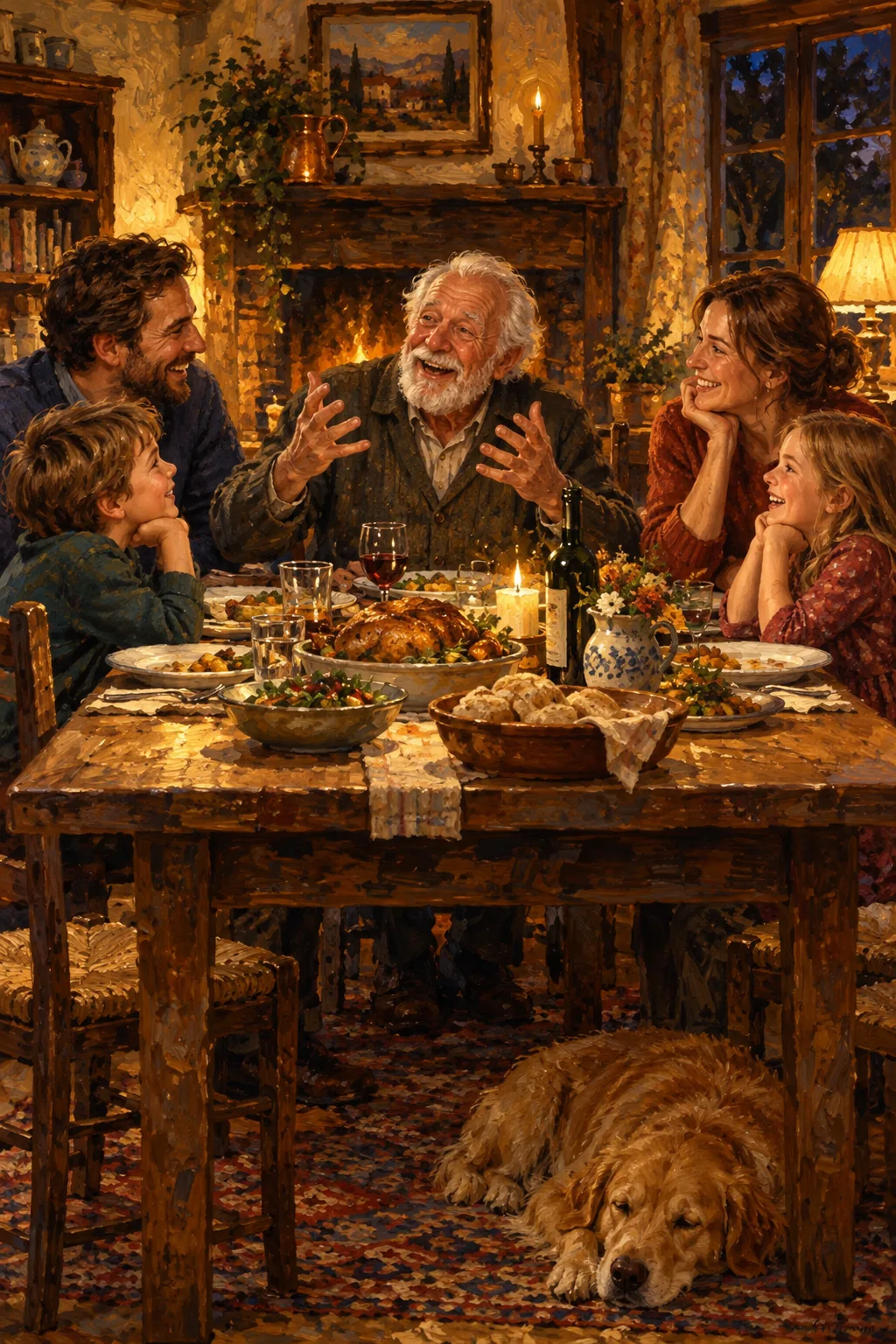
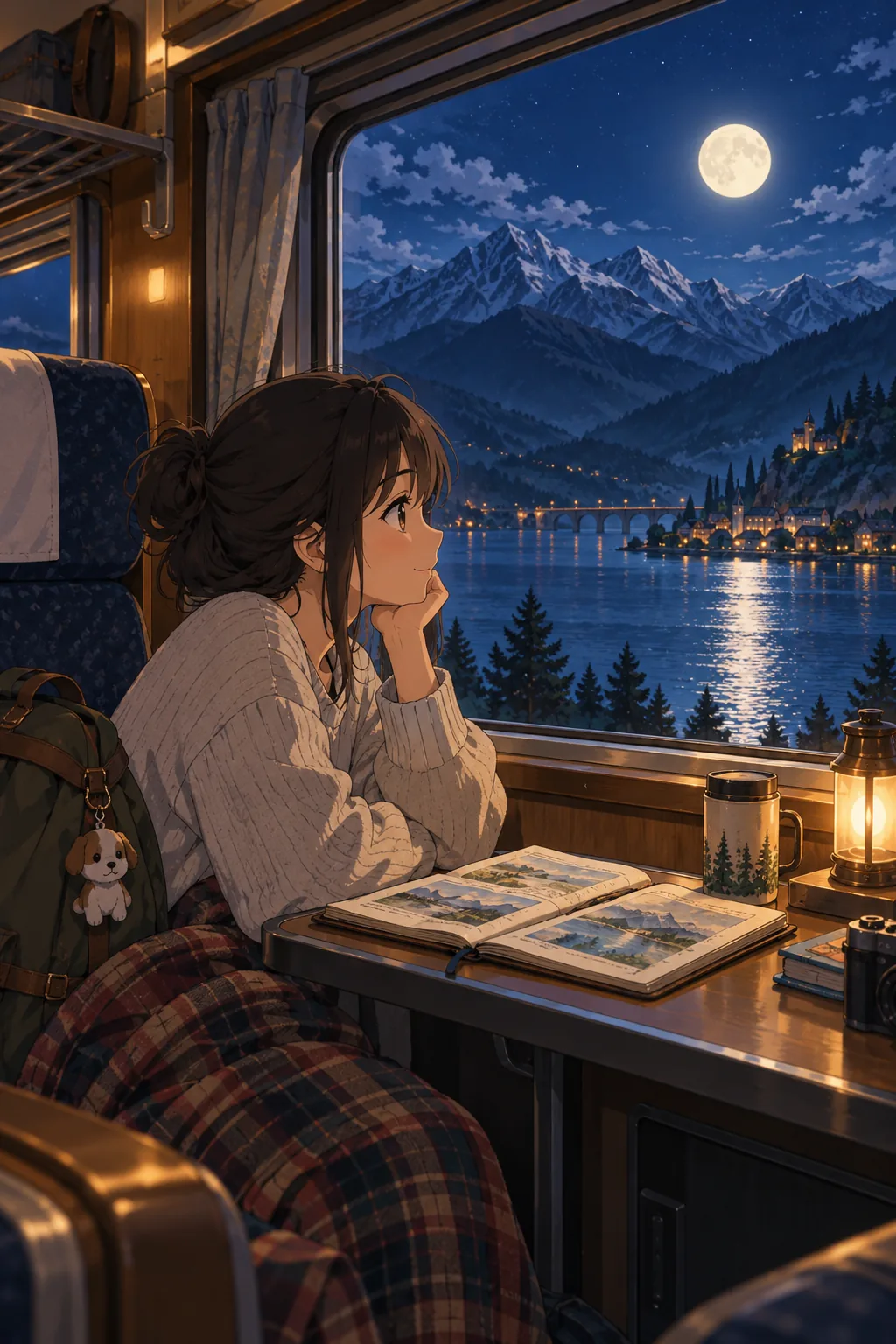
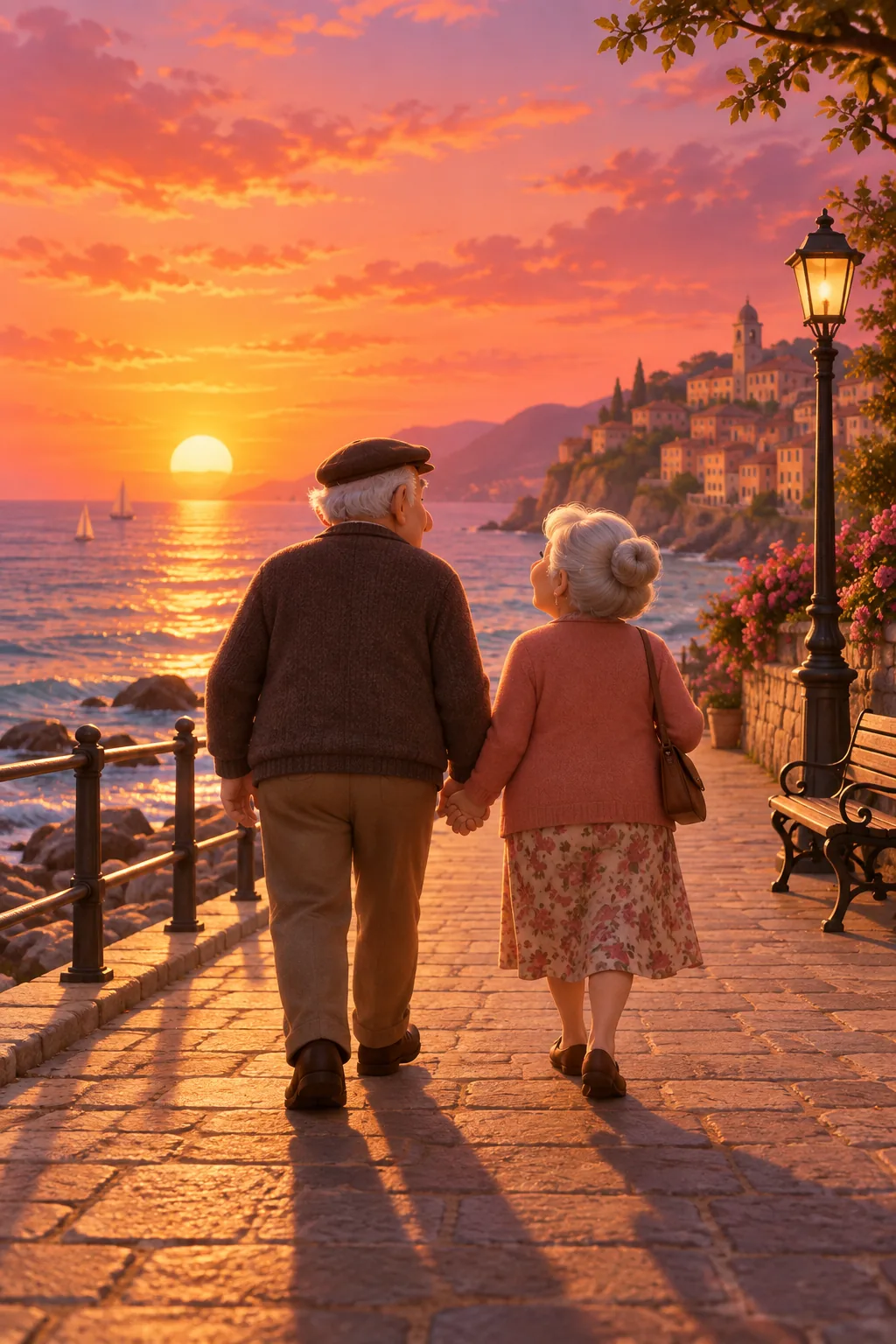
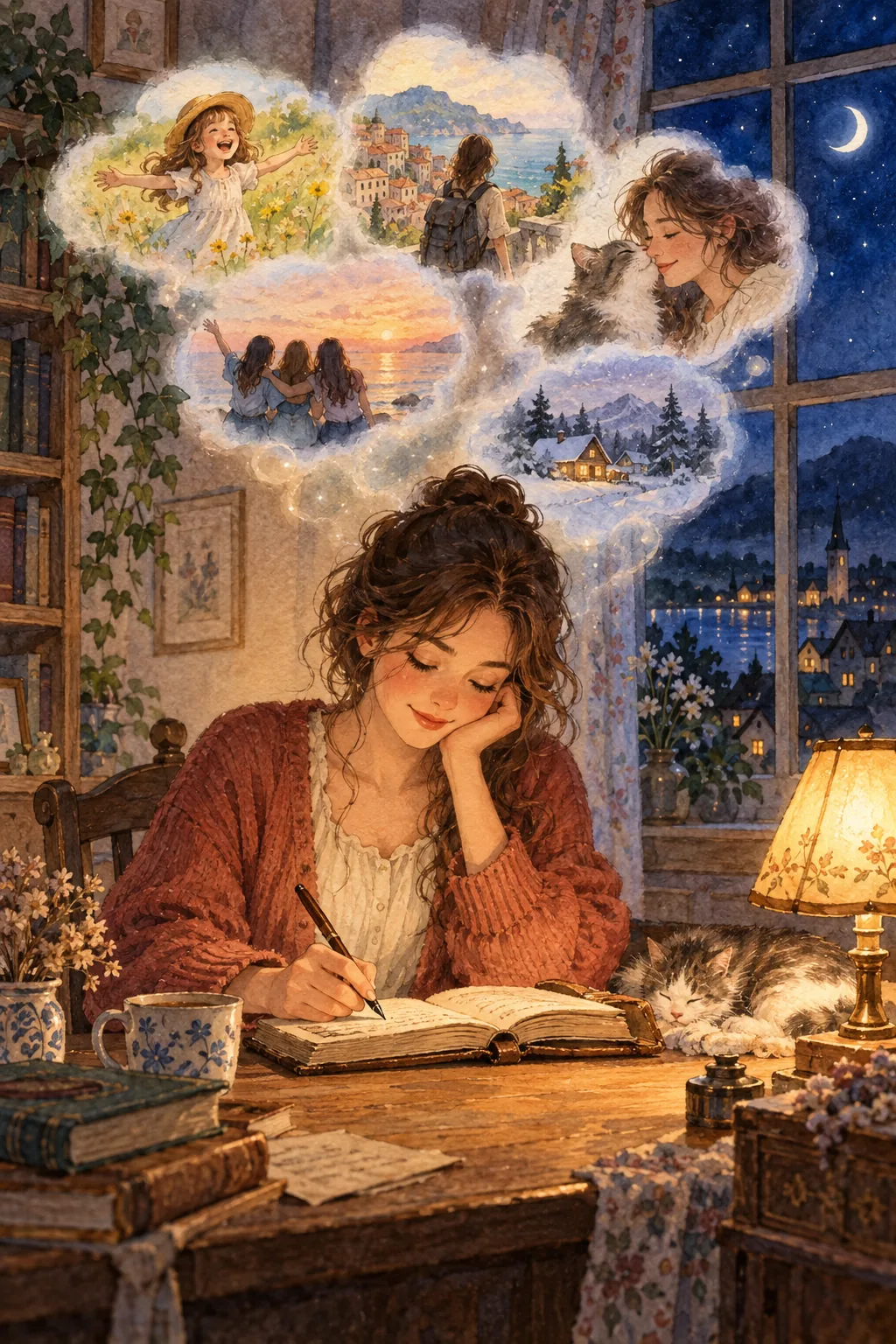
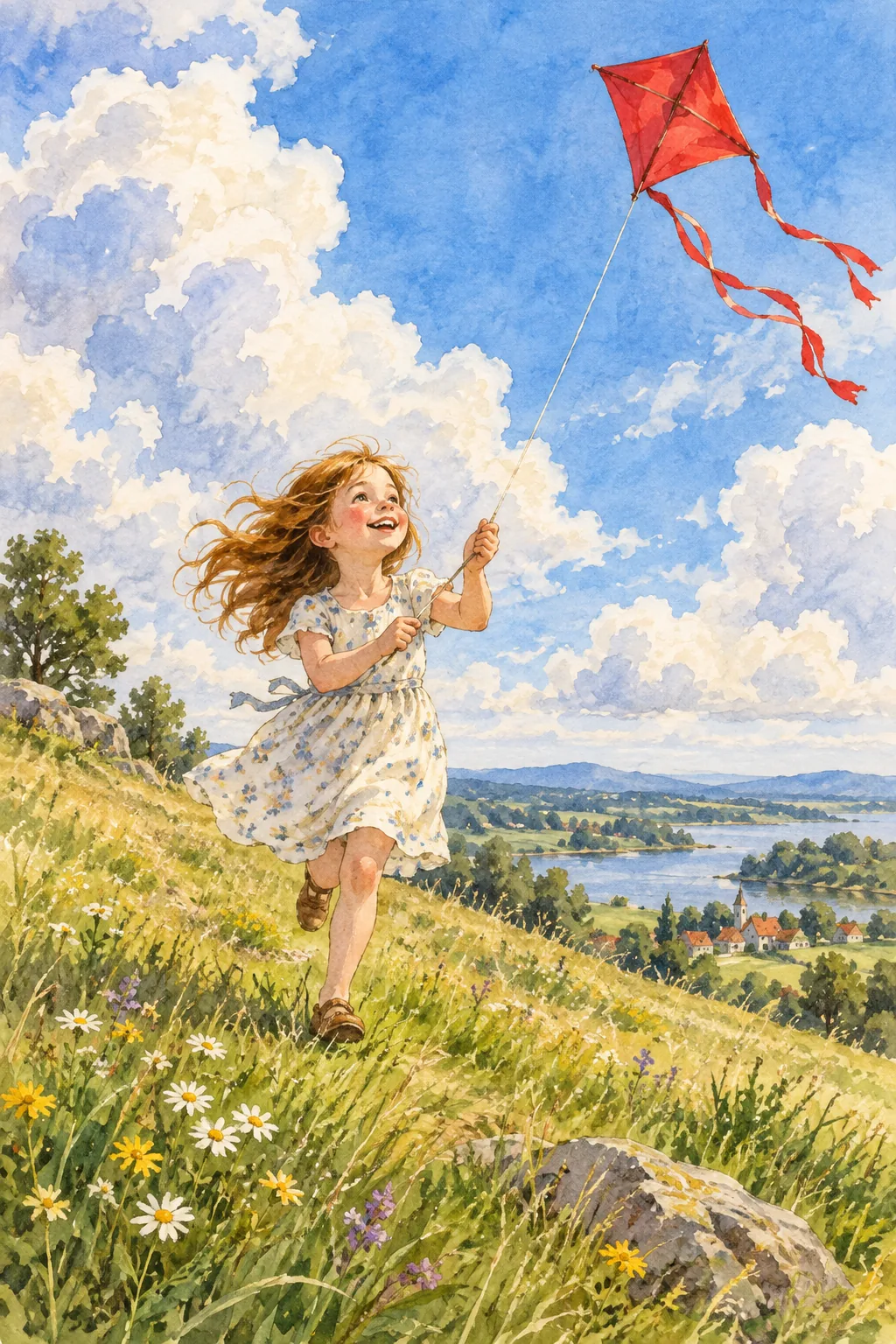
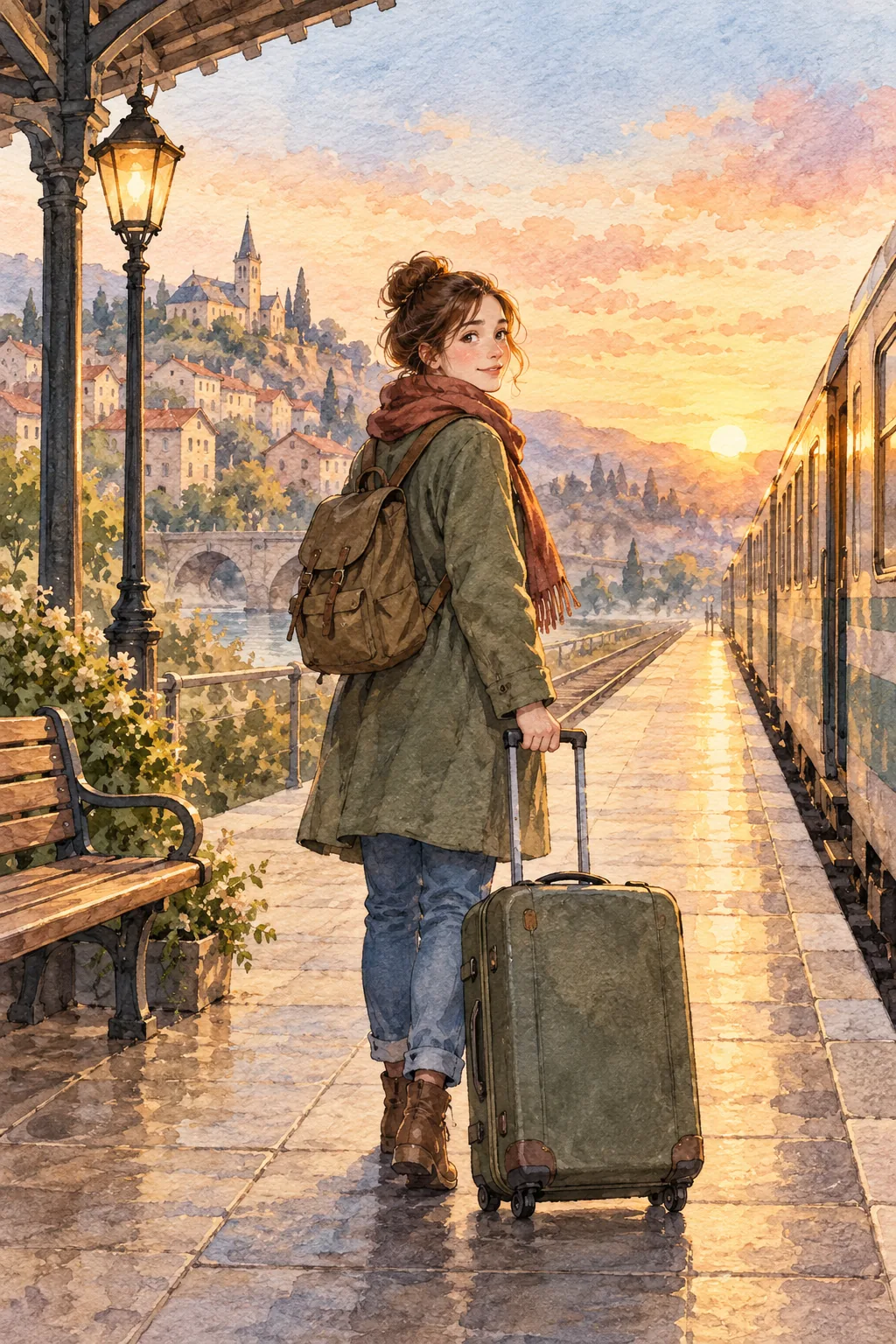
The six illustration styles change the mood more than you might expect. Storybook watercolour, the default, suits childhood memories and family stories. Pencil sketch with watercolour wash feels like a journal and works well for travel or quiet reflective pieces. Cinematic film still gives a story a grown-up, dramatic tone, while oil painting suits older memories that already feel like a portrait. Anime and stylised 3D animation are fun for lighter stories or for younger viewers. If none fits, you can save your own style from sample pictures.
There are 21 narration voices covering English, French, German, Japanese, Korean and Chinese, plus multilingual voices that read most languages. Pick a voice close to the narrator's age and tone, and listen to the first shot before committing. Remember the text is read exactly as written, so read your narration aloud once and cut any sentence you stumble on.
Subtitles can be adjusted per shot or applied to all shots at once. Larger, high-contrast subtitles help when the film will be watched on a phone without sound.
Sharing your story video without losing control of it
Decide where the film will be watched before you export. A 16:9 MP4 suits a television at a family gathering or a slideshow at a reunion. A 9:16 vertical version fits phones, Reels, Shorts and messaging status updates, and 1:1 square works well in a group chat. Because narration, subtitles and export cost no credits, you can export more than one format of the same story.
Think about who appears in the story. Your own memories often include other people, so ask before sharing a film that shows a recognisable relative or friend publicly, and keep private versions private. Everything stays editable until export: you can rewrite a line, regenerate a picture or upload your own image if a scene does not look right.
Once you have made one story video, the same approach works for other occasions, such as a birthday tribute or an anniversary film about how a couple met. New accounts start with 5 free credits, enough to try a short story and see your own words become something people can watch.